Dual-boot Windows/Linux = Bluetooth hell.
Switched OS? Reconnect your mouse, keyboard, headphones. Every. Single. Time.
We solved this agonizing problem.
Why Another Rice?
Meowrch is a different approach
We don’t sacrifice one for the other. Instead, we create a system where each component is chosen based on the principle of “maximum results with minimum resources”.
But most importantly — we don’t limit ourselves to beautiful configs.
Dual-boot Windows/Linux = Bluetooth hell.
Switched OS? Reconnect your mouse, keyboard, headphones. Every. Single. Time.
We solved this agonizing problem.
For 10+ years the community requested a tagging system for Nemo.
Developers ignored it. We made it.
Now file organization like in macOS Finder is available to everyone.
Visual Presentation
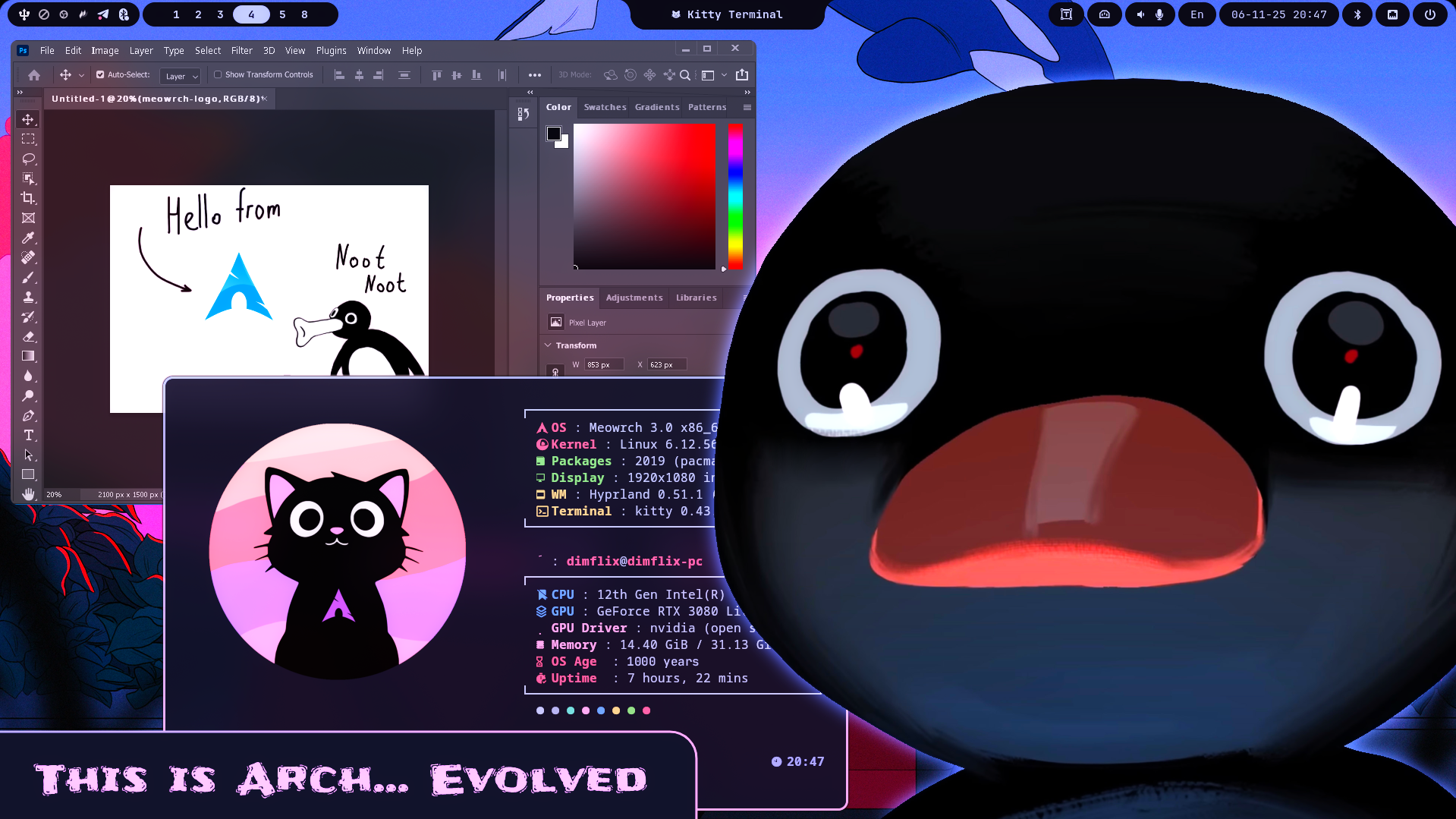
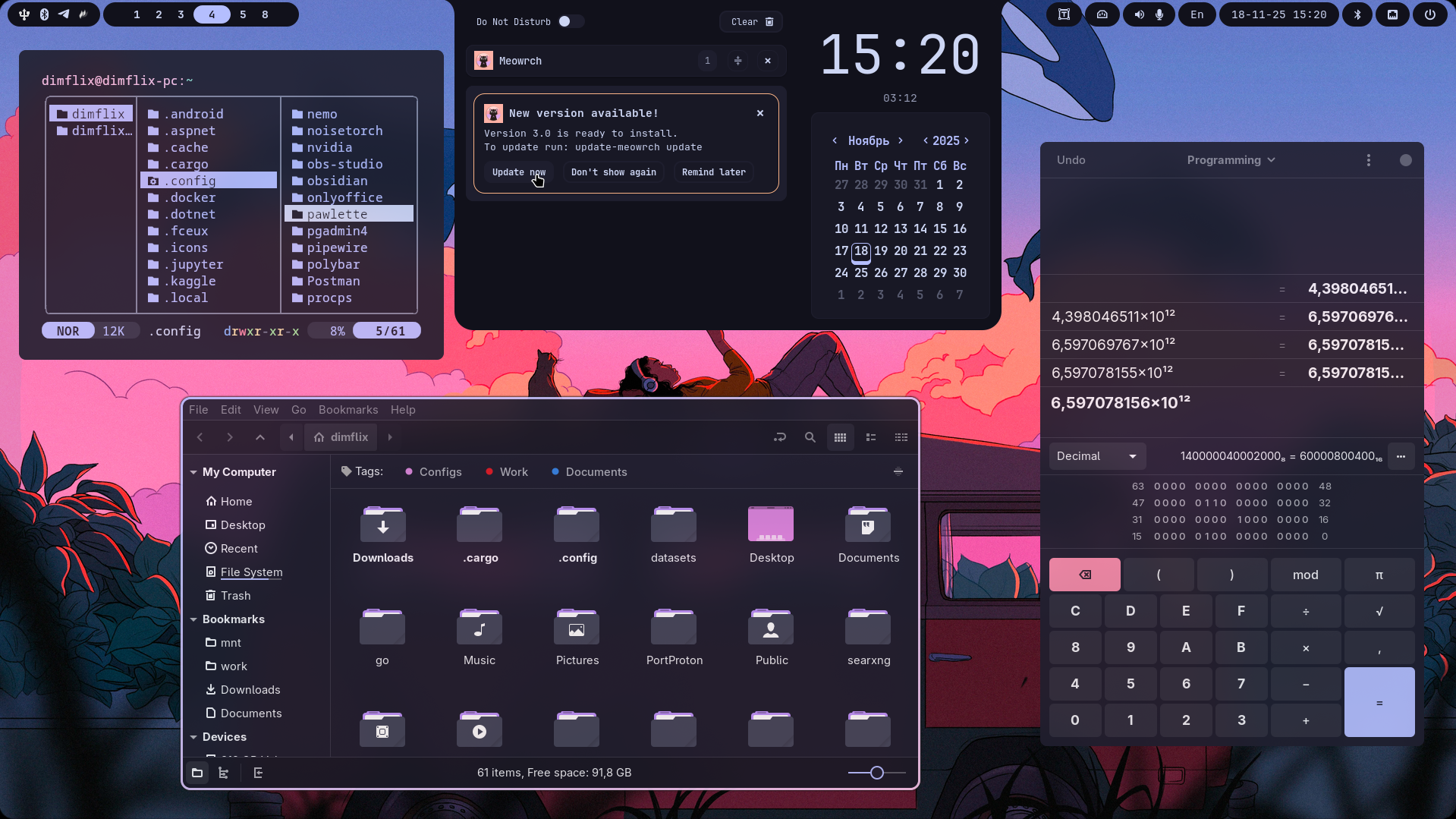
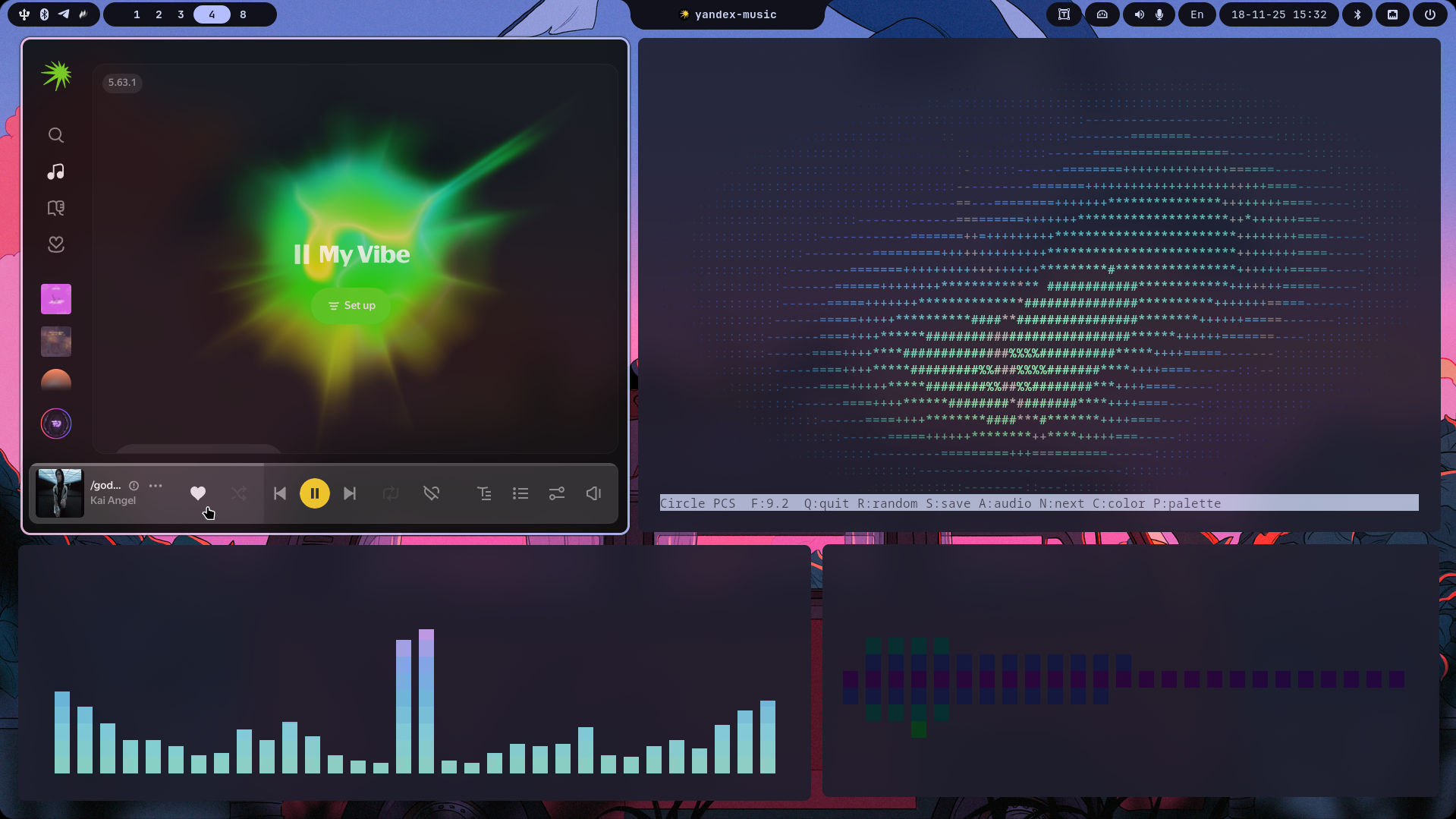
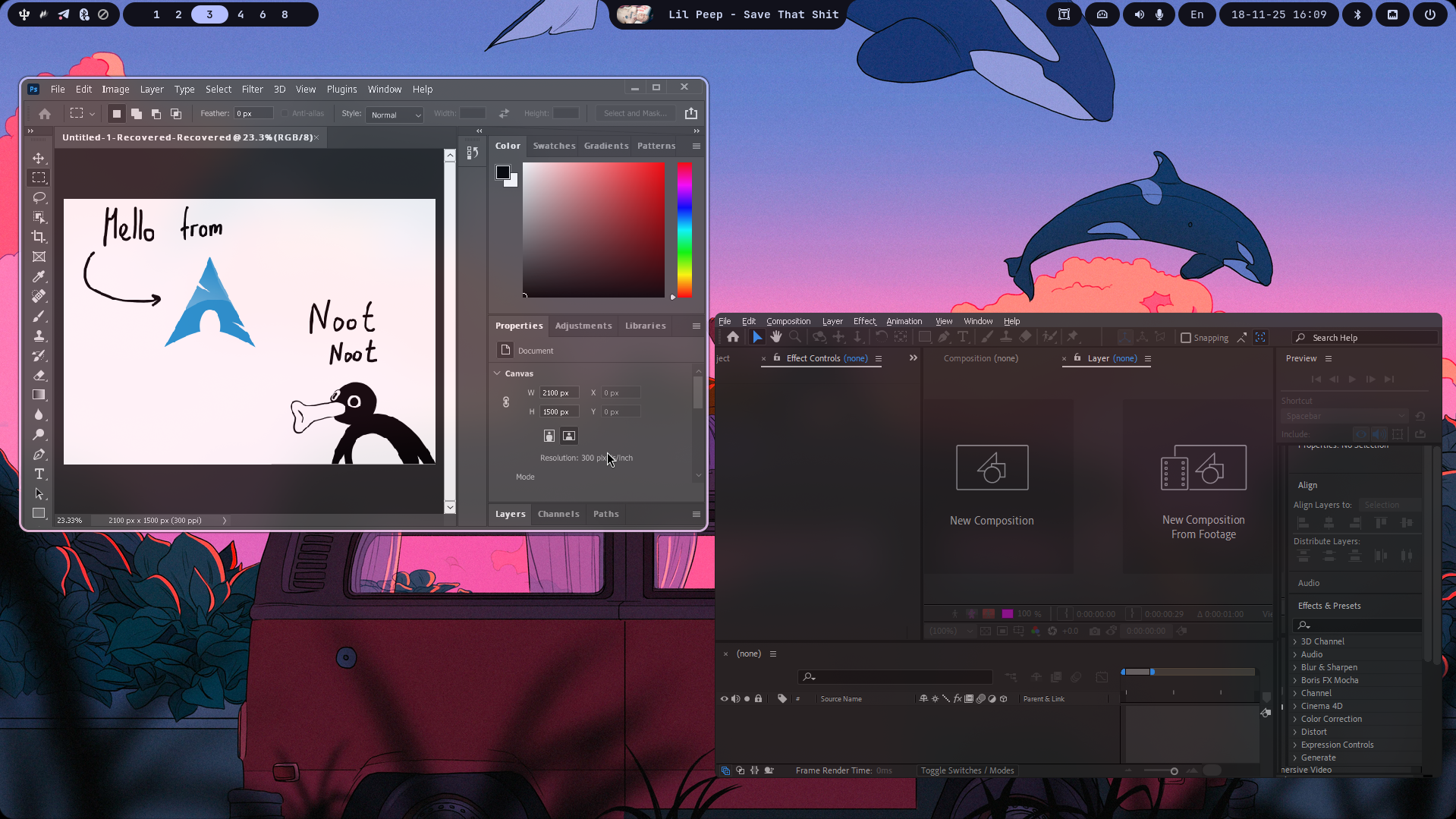
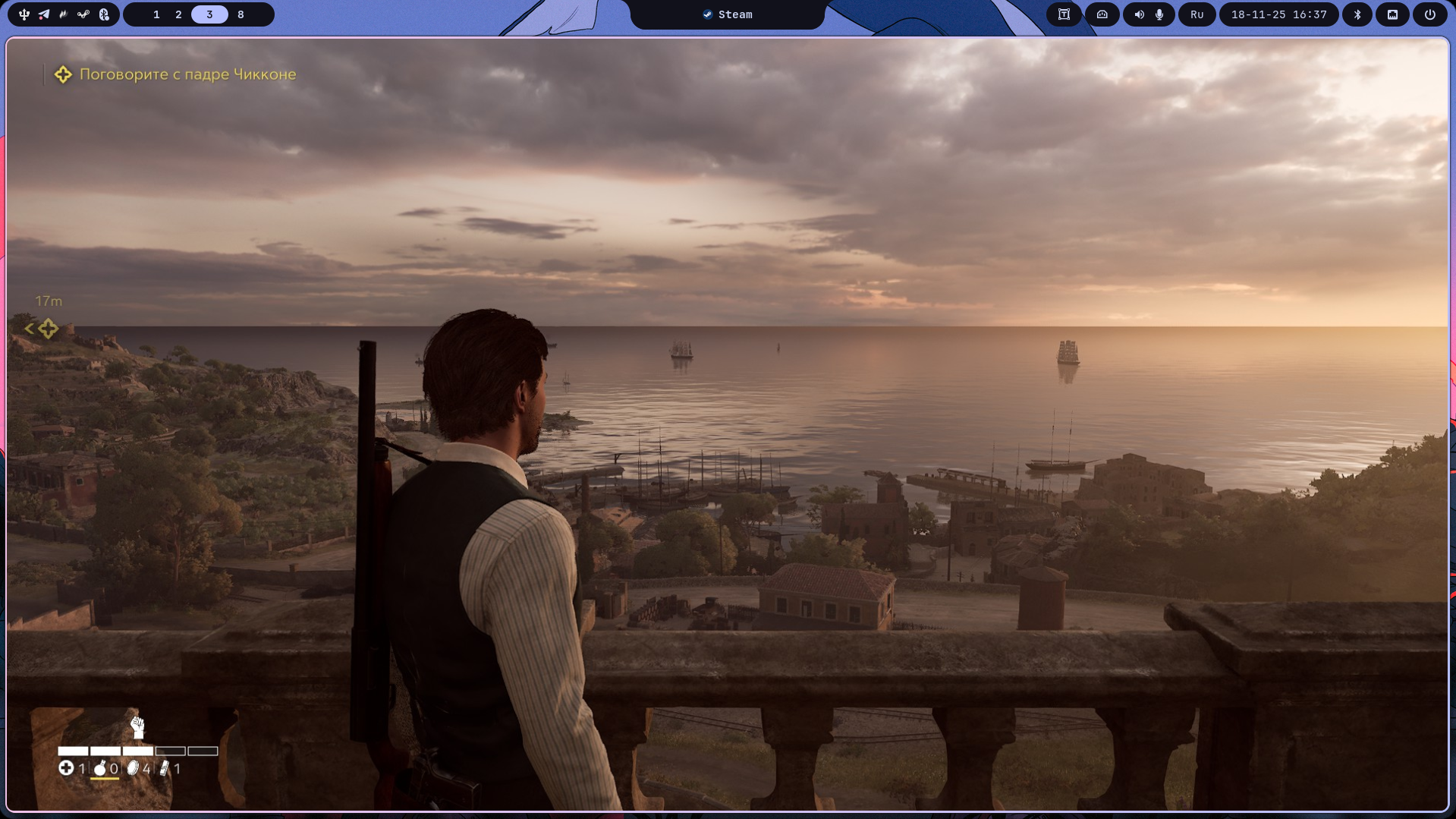
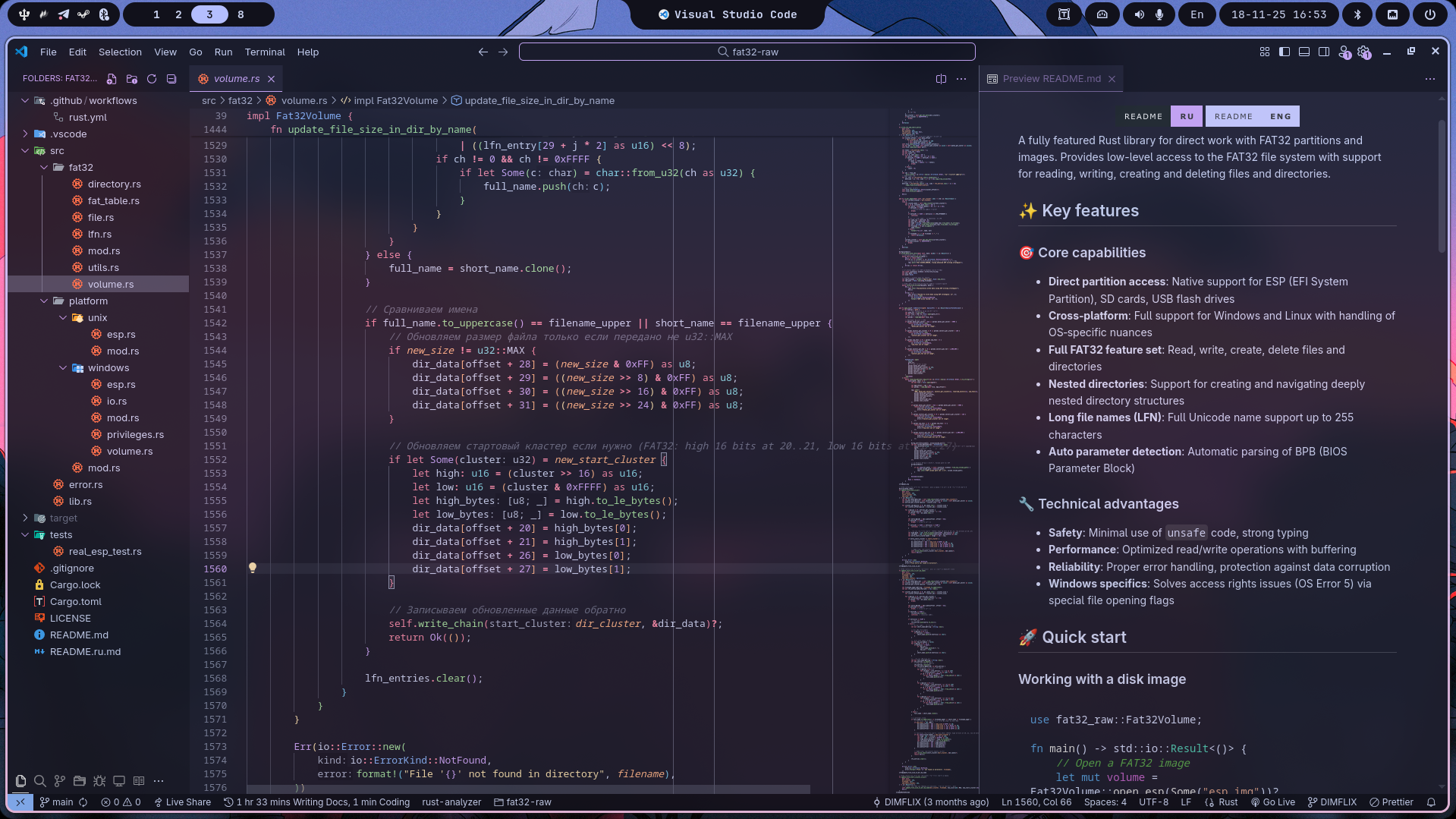
Mewline — Dynamic island for Linux
Information about active window and playing music
Calendar and notification history
Super+Alt+D
Application launcher
Super+Alt+A
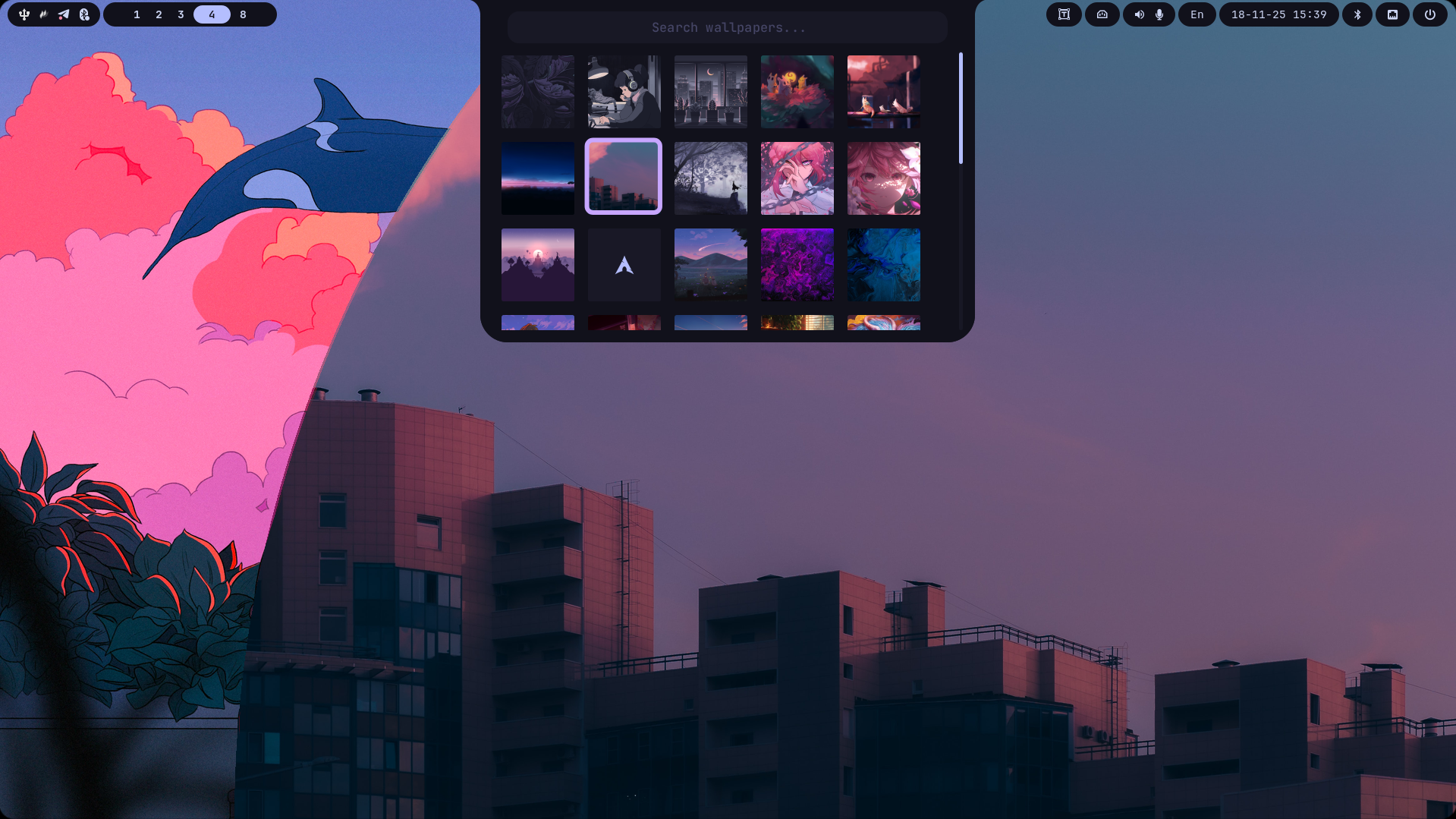
Wallpaper change with preview
Super+Alt+W
Emoji selection
Super+Alt+.
Clipboard history
Super+Alt+V
Wi-Fi and Ethernet
Super+Alt+N
Windows and workspaces manager
Super+Alt+Tab
Device management
Super+Alt+B
Installation
# 1. Clone the repositorygit clone https://github.com/meowrch/meowrch --depth 1 --single-branchcd meowrch
# 2. Run the installersh install.sh
# 3. Rebootreboot
What do you get?
Key Shortcuts
Super + Enter
Quick access to universal tool.
Super + A
Convenient way to choose the needed application.
Super + T
New theme in 2 seconds. Without config editing.
Super + W
Rofi with preview. One button — new desktop look.
Super + C
Pick color from screen for design/development.
Super + .
Like Windows 11, but faster.
We value your honesty, so all reviews are published directly through GitHub Discussions. This ensures their authenticity and transparency. When writing a review, you will be redirected to GitHub, where you can also view author profiles to verify their feedback.
If my work helps you and you'd like to support it, you can use any wallet below.
TBTZ5RRMfGQQ8Vpf8i5N8DZhNxSum2rzAs UQB9qNTcAazAbFoeobeDPMML9MG73DUCAFTpVanQnLk3BHg3 bc1qt5urnw7esunf0v7e9az0jhatxrdd0smem98gdn 0x56e8bf8Ec07b6F2d6aEdA7Bd8814DB5A72164b13