
Multi-monitor Support
Automatically deploys the panel across all detected displays (currently implemented for Hyprland).
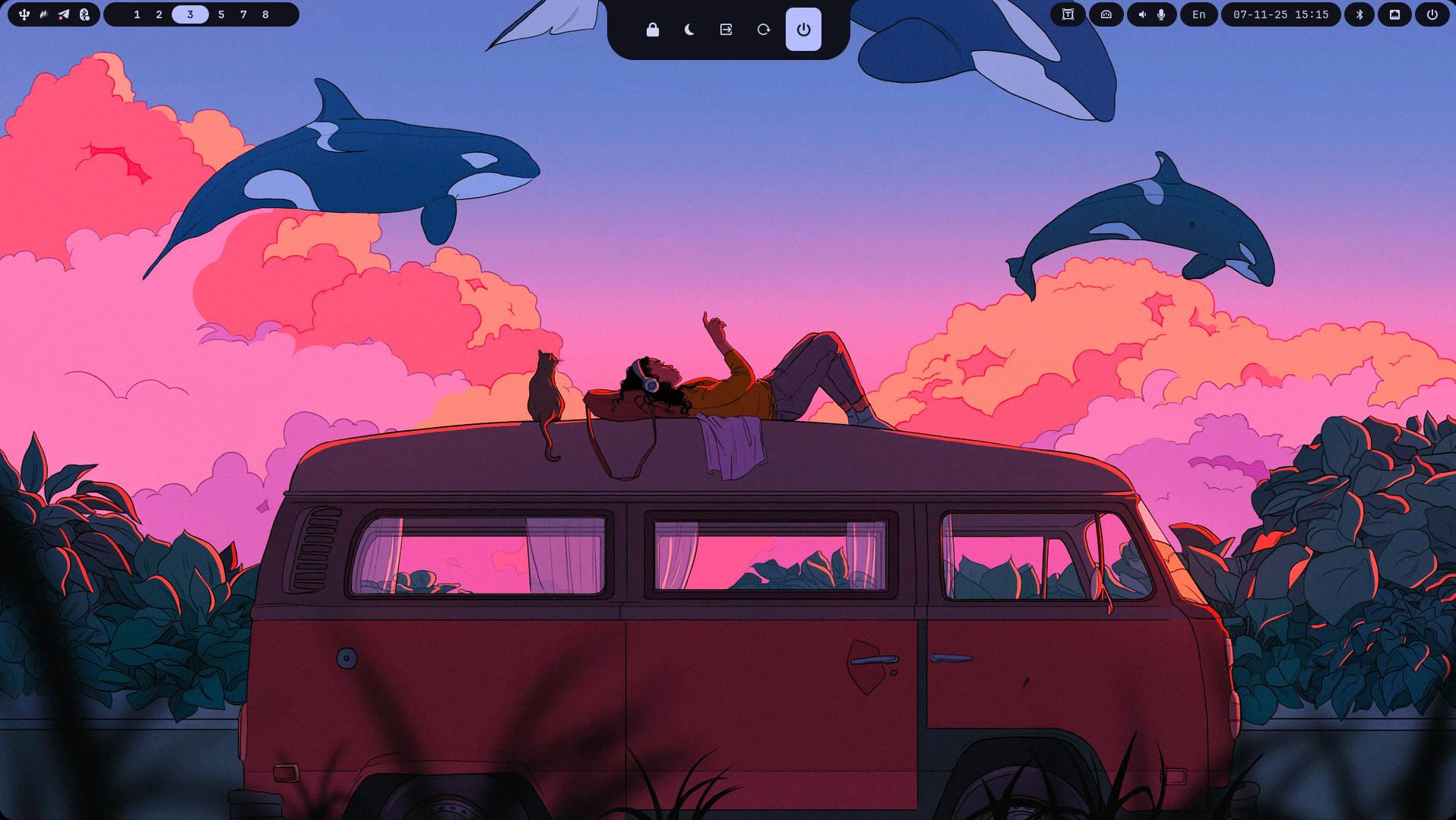
Mewline is an elegant, extensible status bar for the Meowrch distribution, written in Python using the Fabric framework. It combines a minimalist design with powerful functionality, supporting both Hyprland and bspwm window managers.
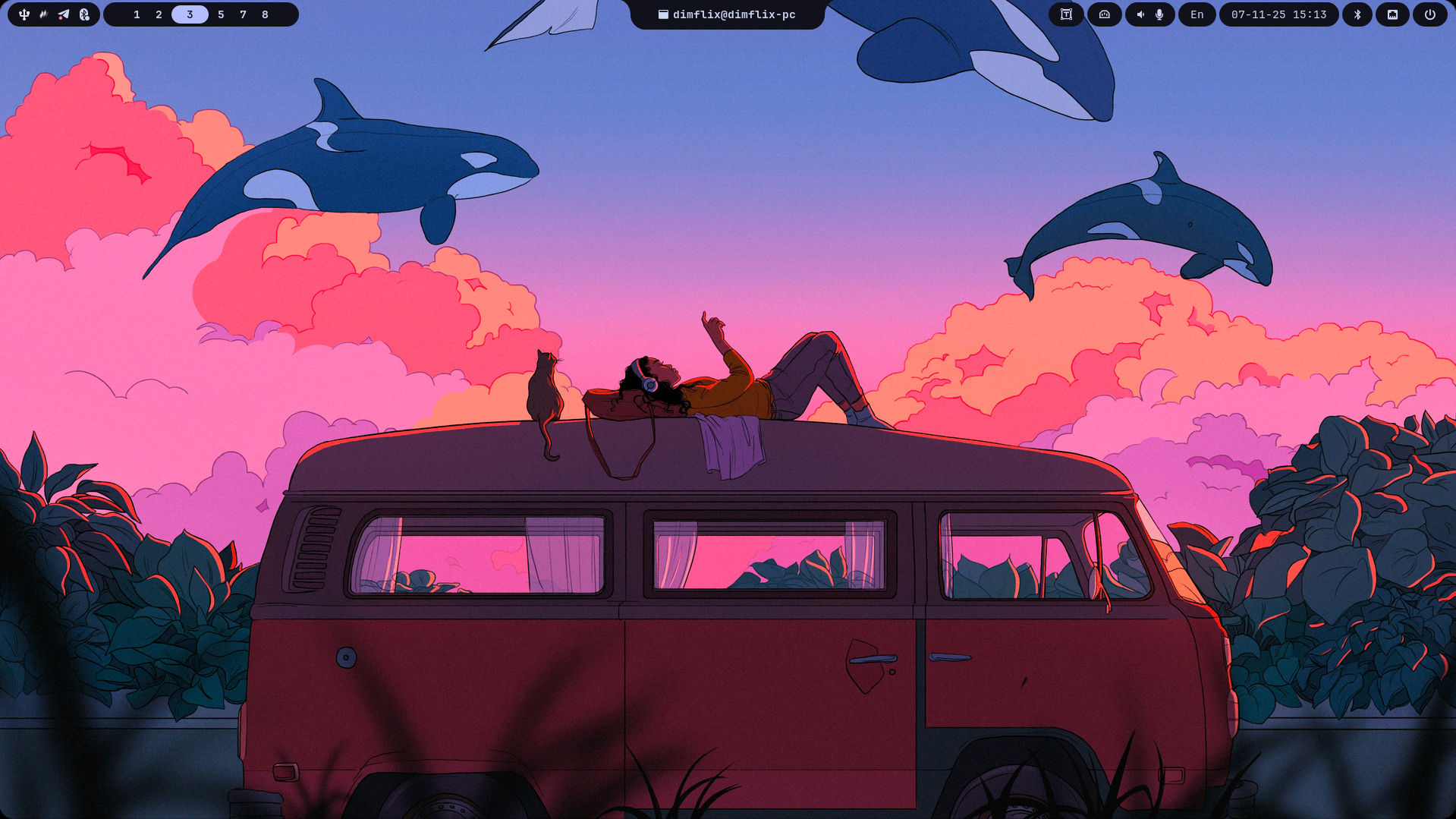
Multi-monitor Support
Automatically deploys the panel across all detected displays (currently implemented for Hyprland).
Dynamic Island
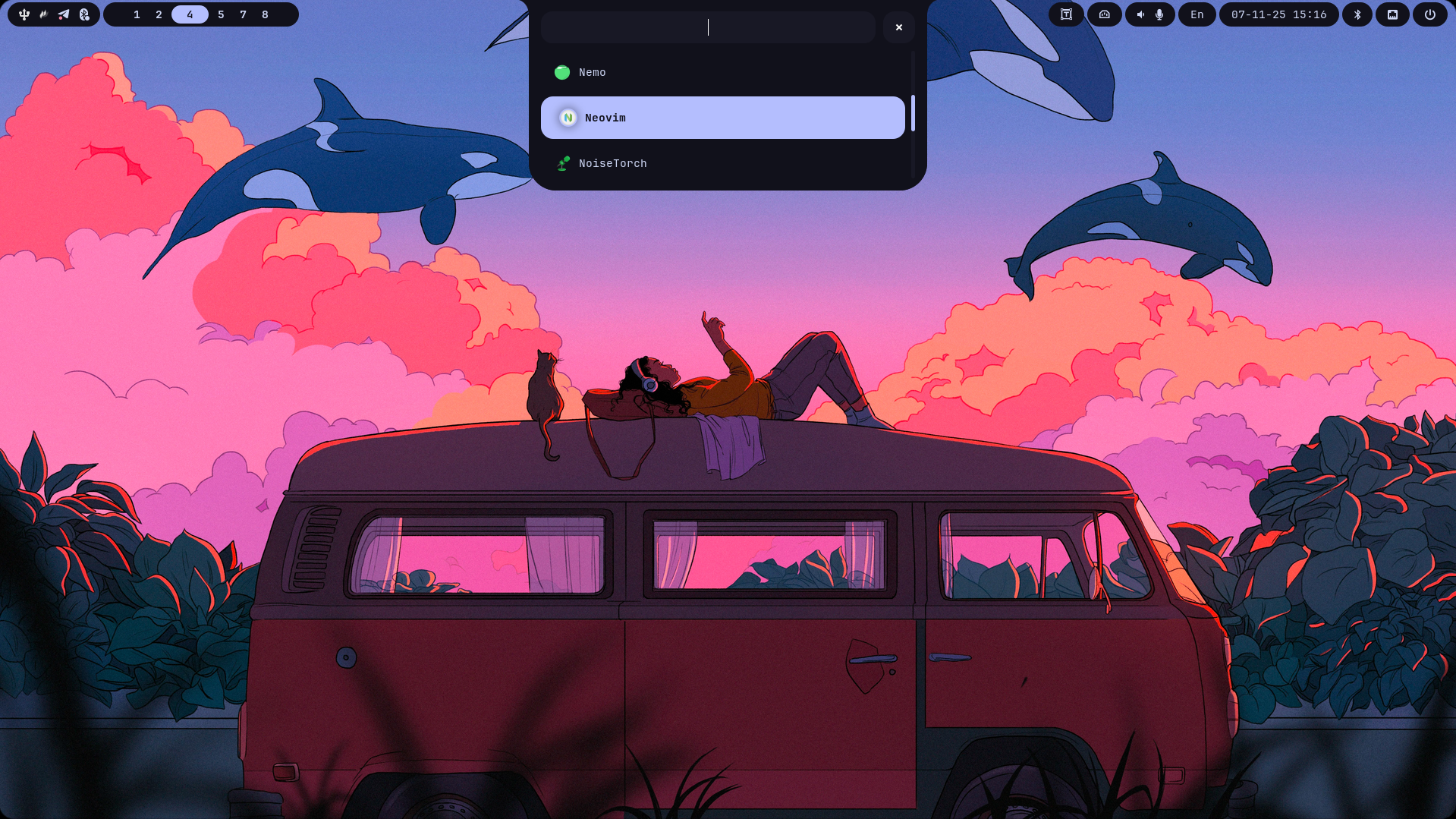
An interactive popup area with launcher, bluetooth, network, wallpapers, clipboard, and more.
Privacy Dots
Visual indicators that light up in real time when apps access your microphone, camera, geolocation, or screen recording.
Modular Architecture
Every component is configurable via a JSON config file — enable, disable, and tweak each module independently.
Install Mewline from AUR
yay -S mewlineGenerate the default configuration
mewline --generate-default-configGenerate Hyprland keybindings (optional, Hyprland only)
mewline --create-keybindingsEdit the configuration file
micro ~/.config/mewline/config.jsonRun Mewline
mewlineInstall system dependencies
# Core packagessudo pacman -S dart-sass tesseract tesseract-data-eng tesseract-data-rus slurp grim cliphist
# AUR packagesyay -S gnome-bluetooth-3.0 gray-git fabric-cli-git
Clone the repository
git clone https://github.com/meowrch/mewline && cd mewlineInstall the uv package manager
pip install uv# or via pacman:sudo pacman -S uvInstall Python dependencies
uv syncGenerate the default configuration
uv run generate_default_configGenerate Hyprland keybindings (optional)
uv run create_keybindingsEdit the configuration file
micro ~/.config/mewline/config.jsonRun Mewline
uv run mewlineyay -Syu mewlineAfter updating, restart Mewline:
pkill -f mewline && mewline &cd mewlinegit pull origin mainuv syncThen restart Mewline:
pkill -f mewline && uv run mewline &Mewline is split into three groups of components: the Status Bar, the Dynamic Island, and Other utilities.
These widgets appear directly on the status bar:
| Module | Description |
|---|---|
tray | System tray for background applications |
workspaces | Workspace switcher and indicator |
datetime | Date and time display |
combined_controls | Combined control group: sound, brightness, and Privacy Dots |
language | Current keyboard layout indicator |
battery | Battery charge level and status |
power | Button that opens the power_menu in Dynamic Island |
ocr | Capture a screenshot region and extract text via Tesseract OCR |
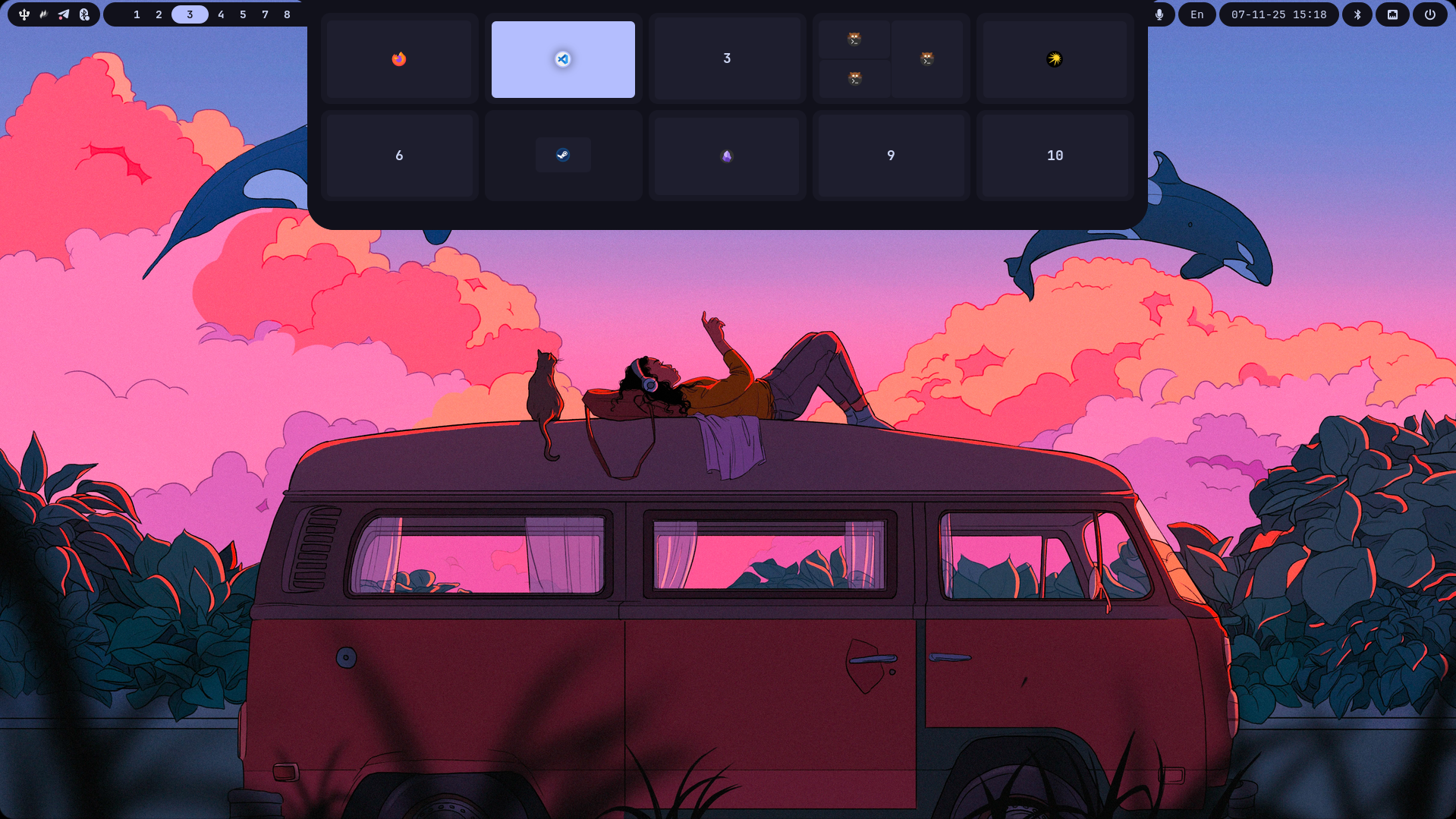
The Dynamic Island is the interactive popup layer. Each panel can be opened via a keybinding:
| Module | Description | Keybinding |
|---|---|---|
compact | Shows the active window title and currently playing music | — |
notifications | Live system notifications | — |
power_menu | Power management menu (lock, suspend, logout, reboot, shutdown) | Super+Alt+P |
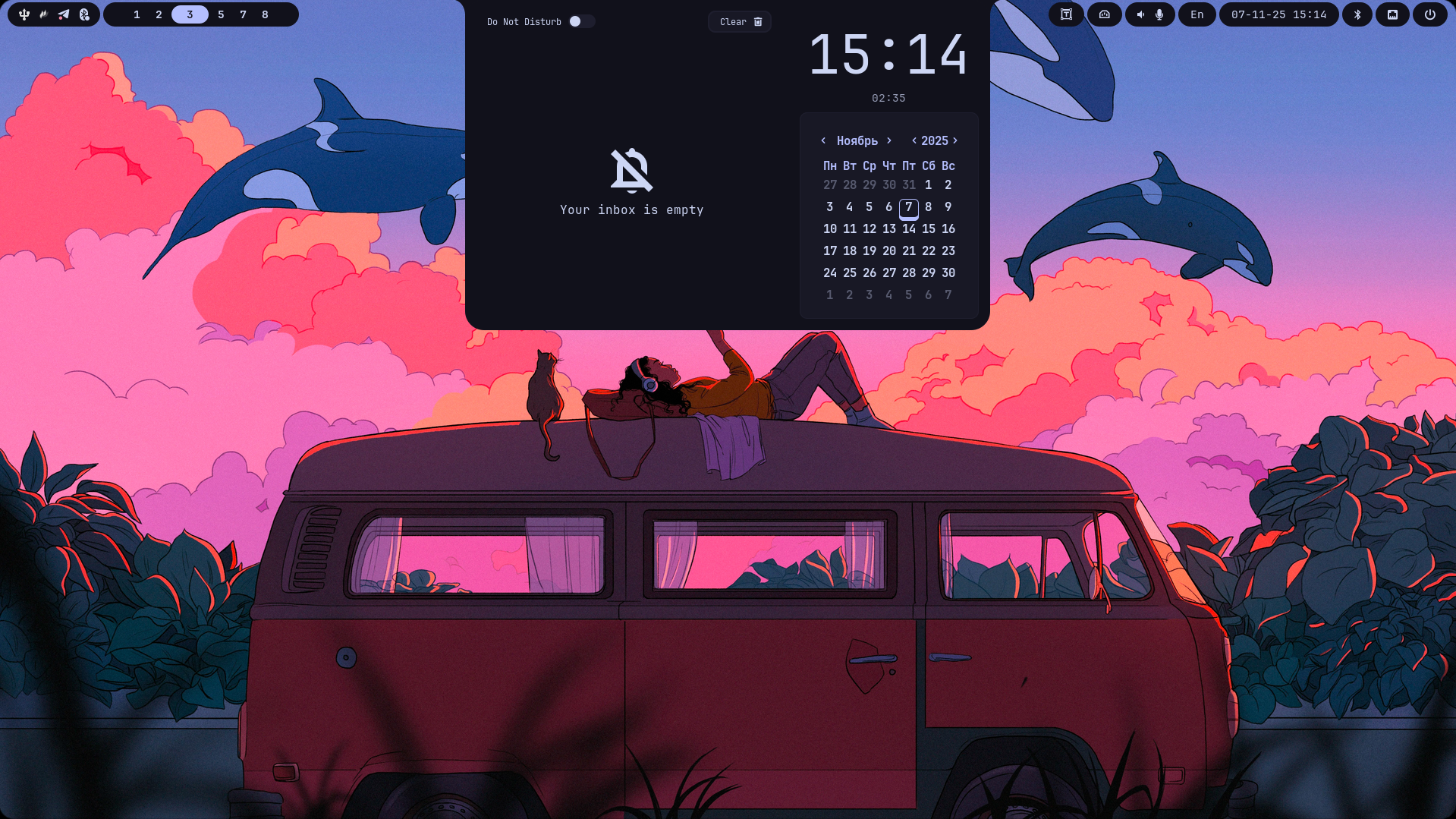
date_notification | Calendar and notification history | Super+Alt+D |
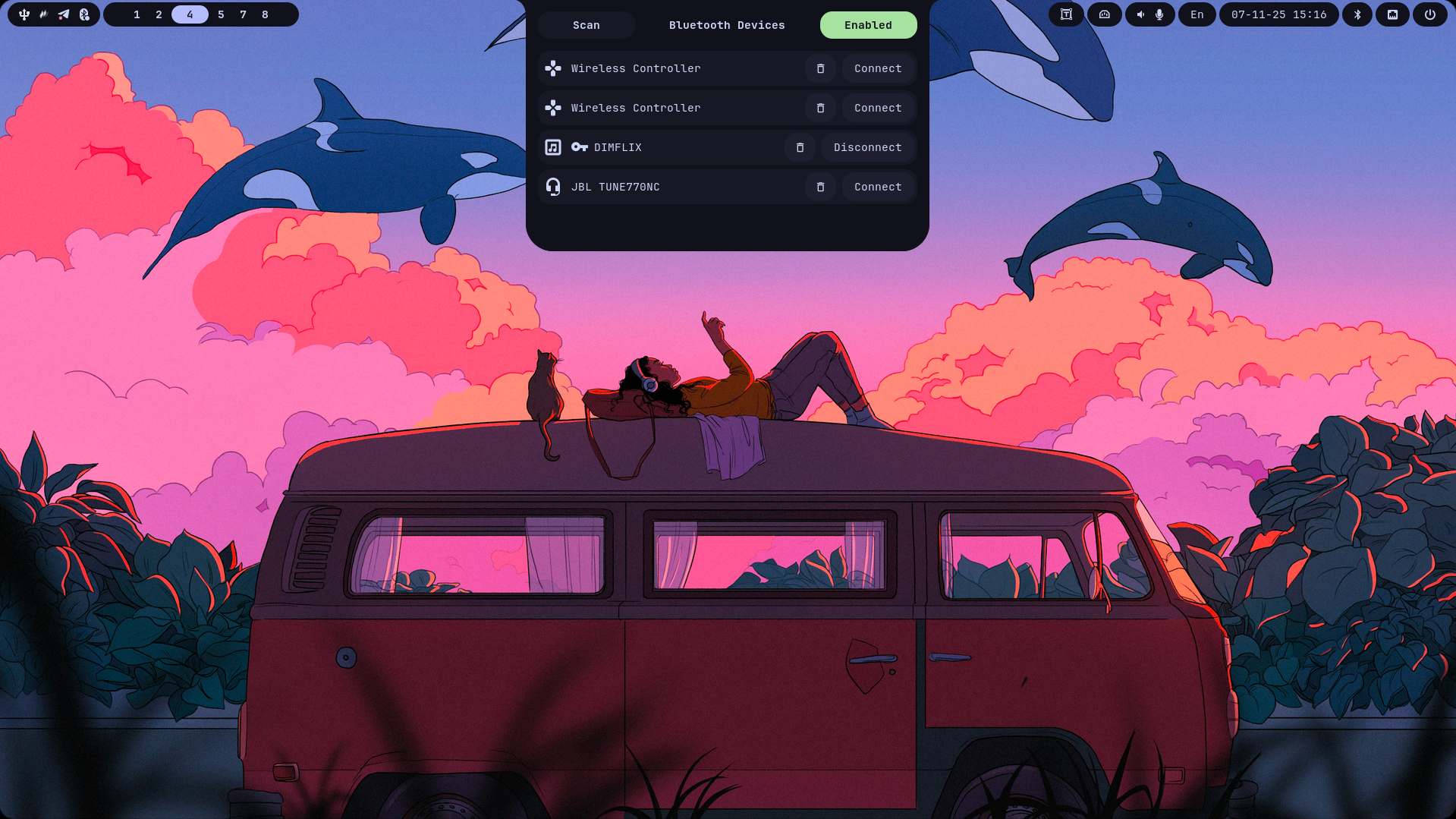
bluetooth | Bluetooth device manager | Super+Alt+B |
app_launcher | Application launcher | Super+Alt+A |
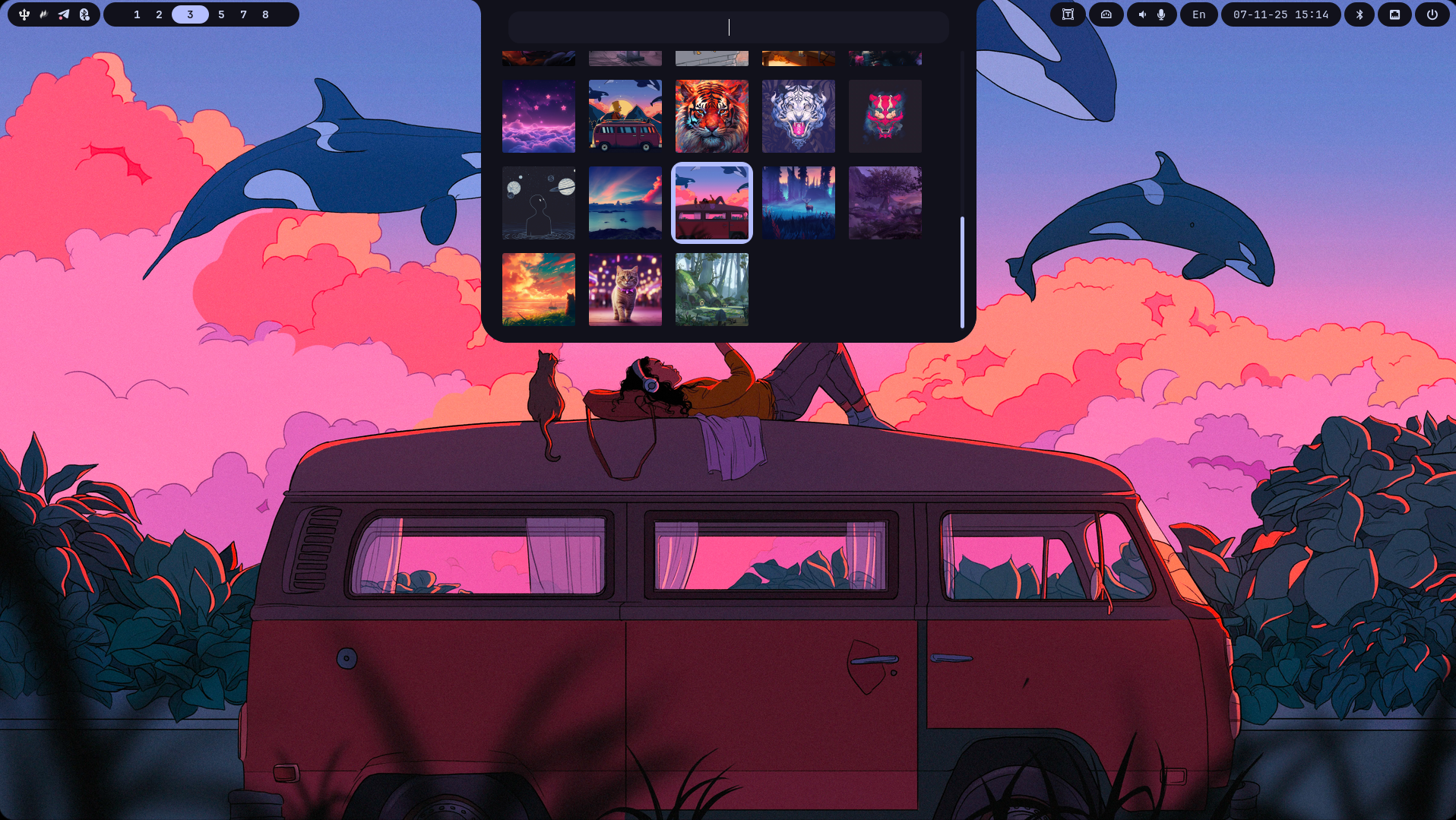
wallpapers | Wallpaper picker (uses swww) | Super+Alt+W |
emoji | Emoji picker | Super+Alt+. |
clipboard | Clipboard history manager (uses cliphist) | Super+Alt+V |
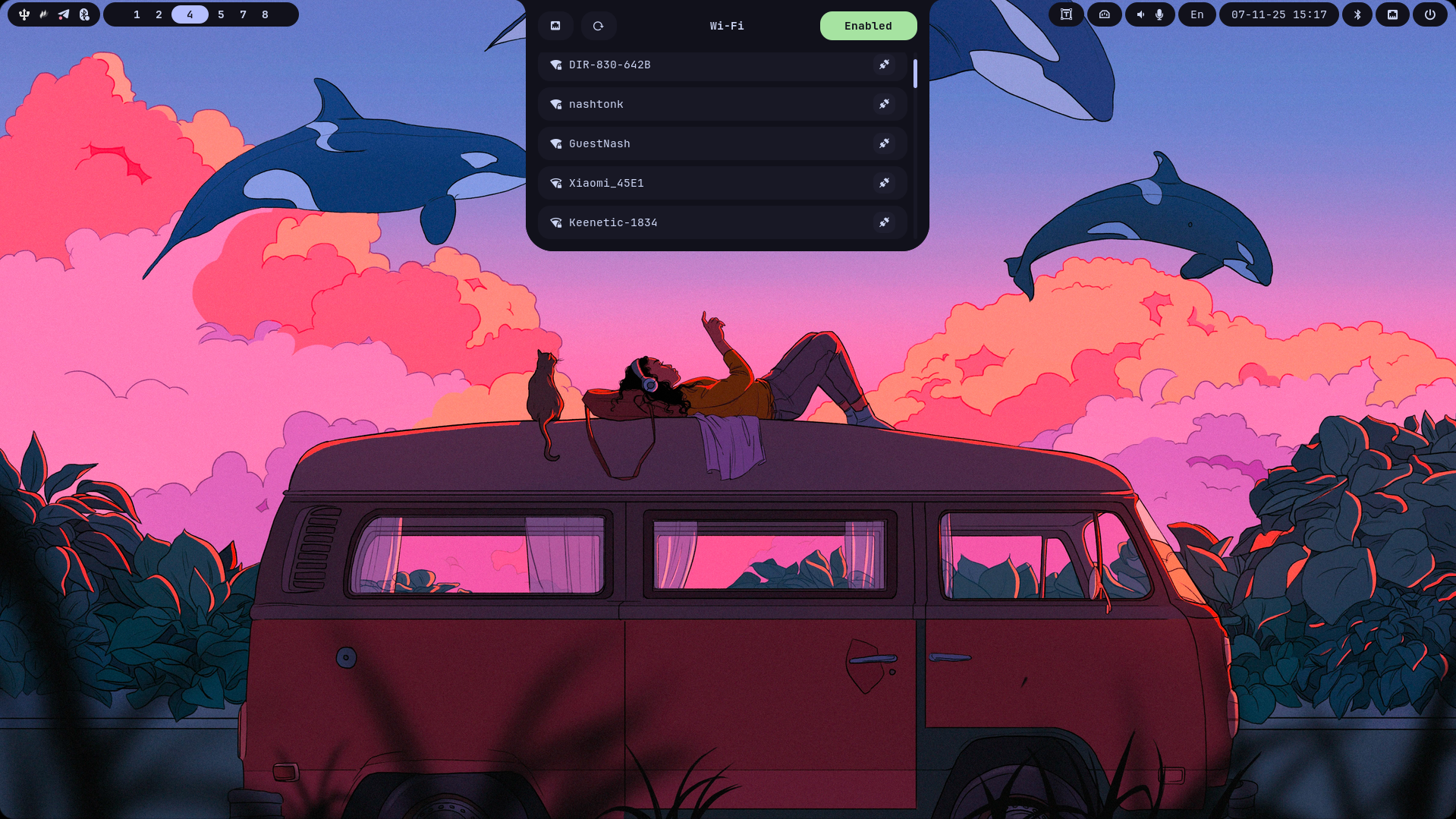
network | Wi-Fi and Ethernet manager | Super+Alt+N |
workspaces | Open windows and workspaces overview | Super+Alt+Tab |
| Module | Description |
|---|---|
osd | On-screen display overlay for volume and brightness change events |
The configuration file lives at ~/.config/mewline/config.json. You can generate the default config at any time:
mewline --generate-default-configFor a full reference of every option, module parameter, and a complete example config.json, see the dedicated configuration page: